Process flow diagrams for pharmaceutical manufacturing
Snap equipment together into a process flow. Then watch the material move.
Drag from hundreds of lab, pilot and production-scale equipment drawings — or make a new one from a photo of your own equipment — snap them into a flow, add a note to every stage, and step through the process for training, tech transfer and presentations.
Already set up? Use Log in at the top right with the Google account we granted.
Build by snapping
Drop a card beside another and it snaps into place with an arrow between them. Click the arrow to flip the direction; flip a card to see its parameters.
Your titles, your notes
Retitle any drawing for the flow you're building — as specific as “Fette 1200i, Line 3” or as generic as “Tablet press” — without changing the library. Flip a card for its parameters, and add a note to each stage — set points, endpoints, sampling — saved with the diagram and shown as the animation reaches it.
Animate and export
Step through the line stage by stage or feature each operation in a carousel, then download the cycle as a video for a presentation, or the diagram as an image.
The demo is the real canvas: an example wet granulation line is placed card by card, then walked stage by stage in the carousel view.
Equipment library
Hundreds of equipment drawings, ready to drop in
Dispensing, granulation, drying, milling, blending, compression, coating and packaging — lab, pilot and production scale, drawn in one consistent engineering style so a whole line reads as one diagram.
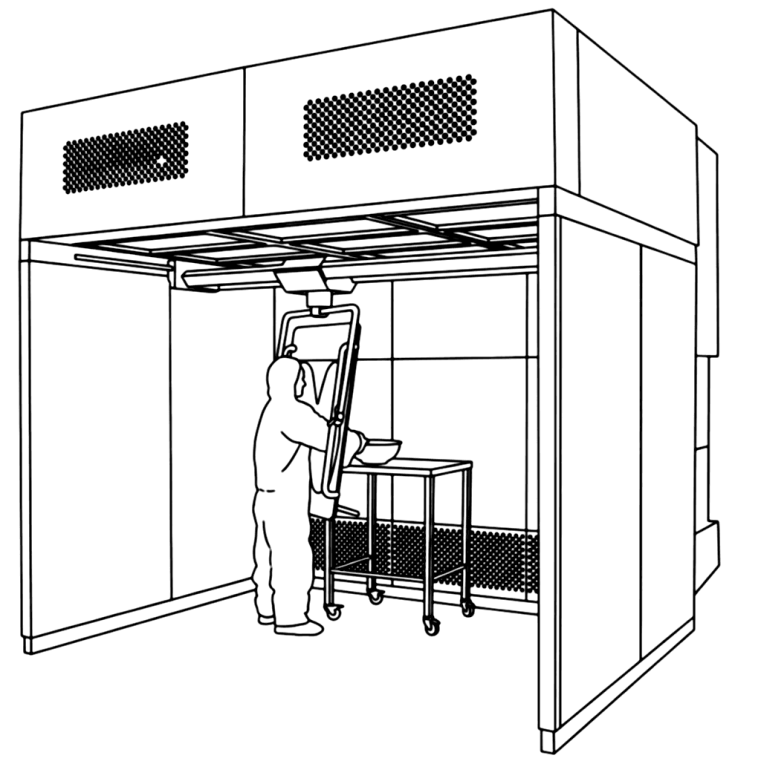 Dispensing booth
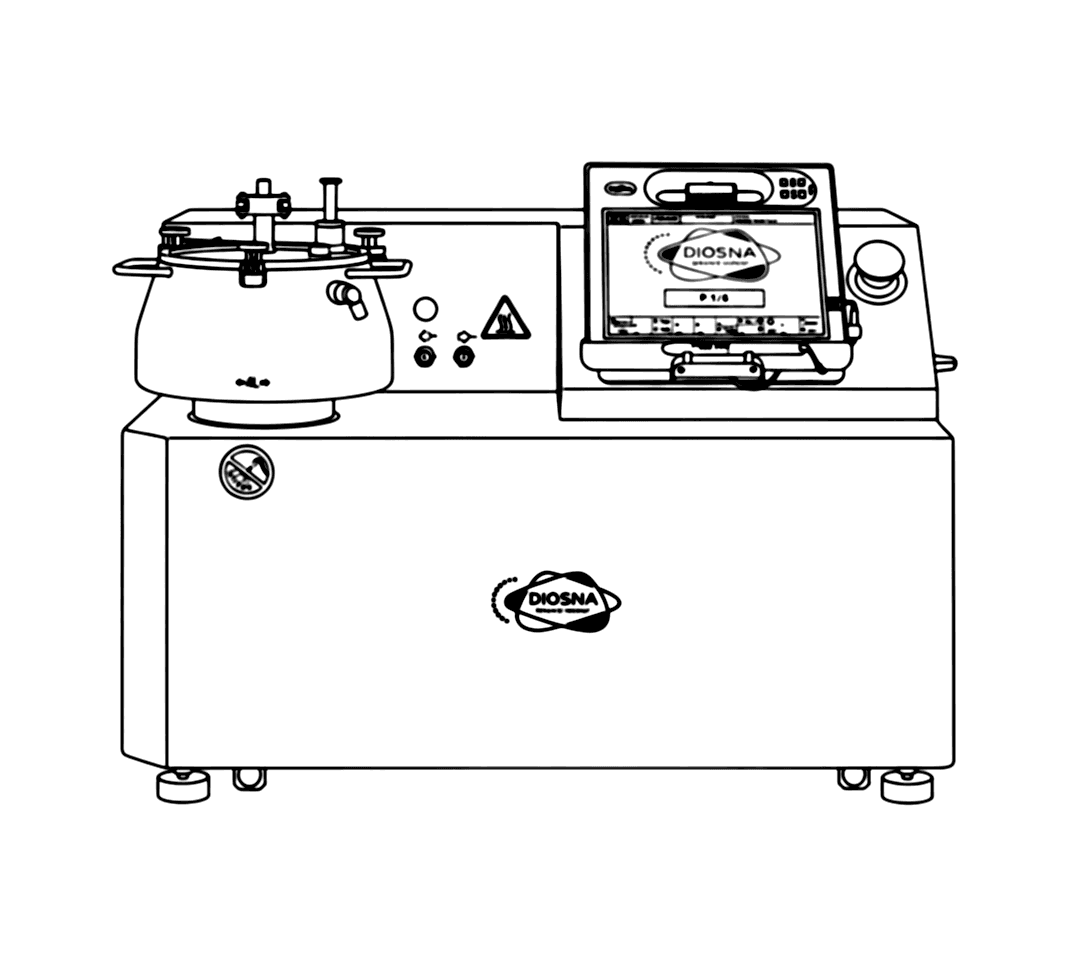 High-shear granulator
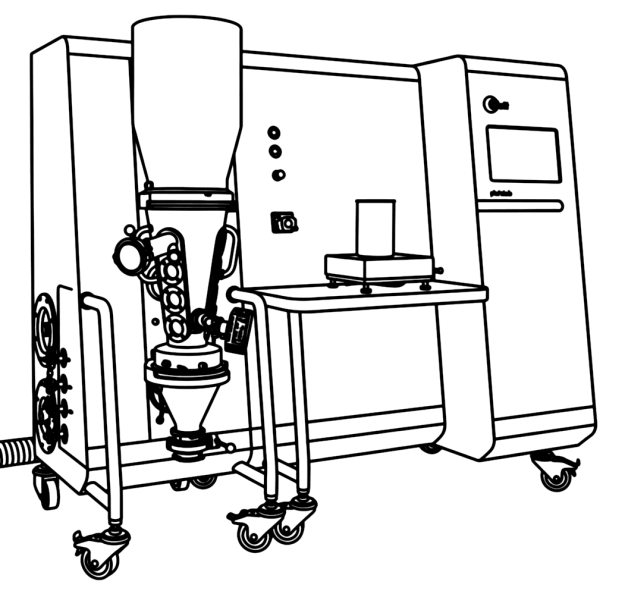 Fluid bed dryer
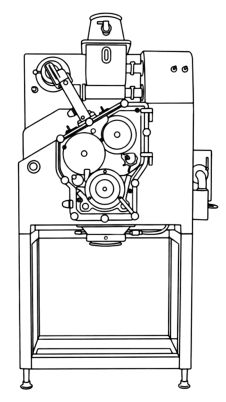 Roller compactor
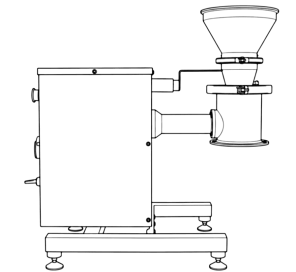 Cone mill
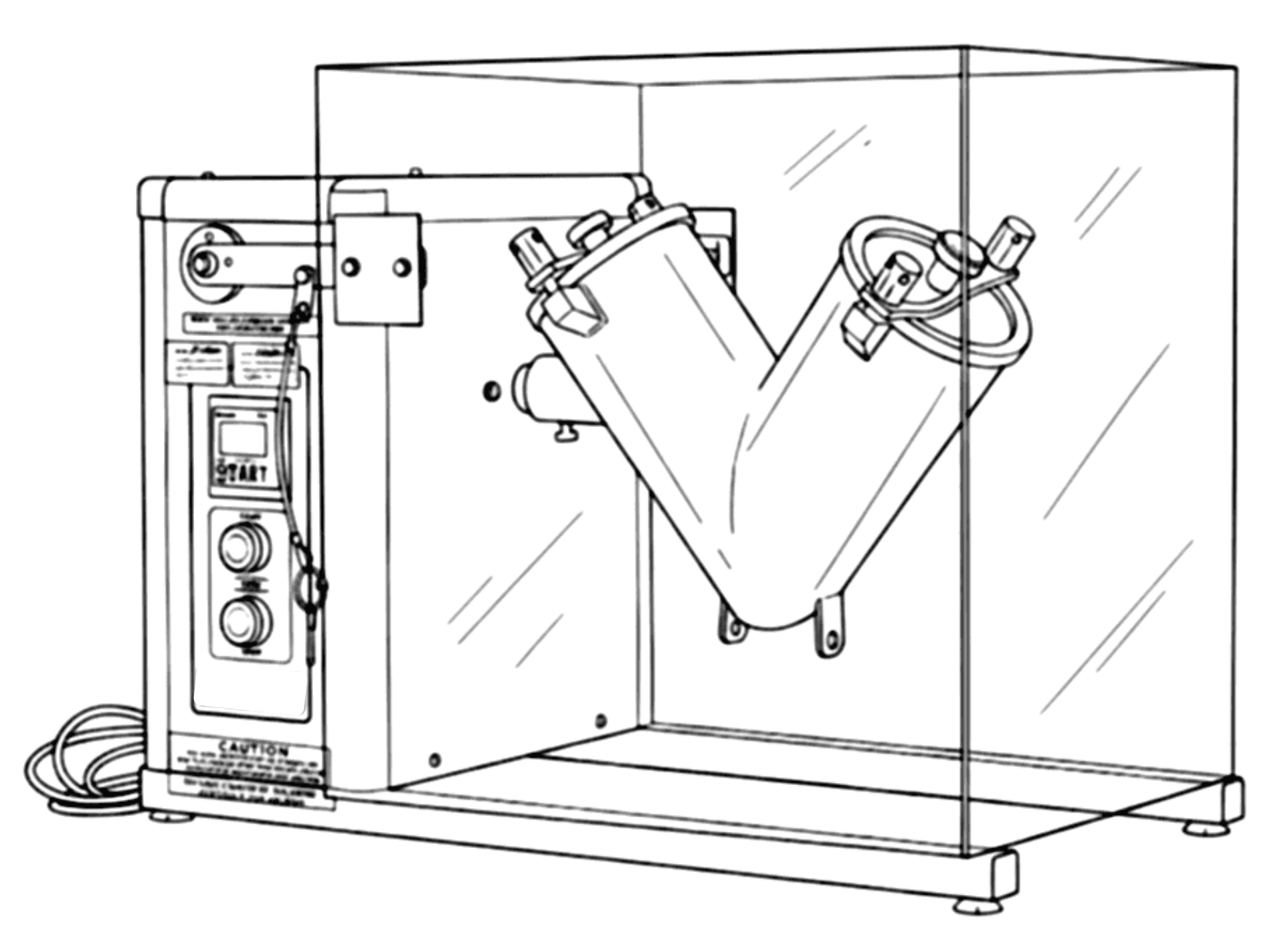 V-blender
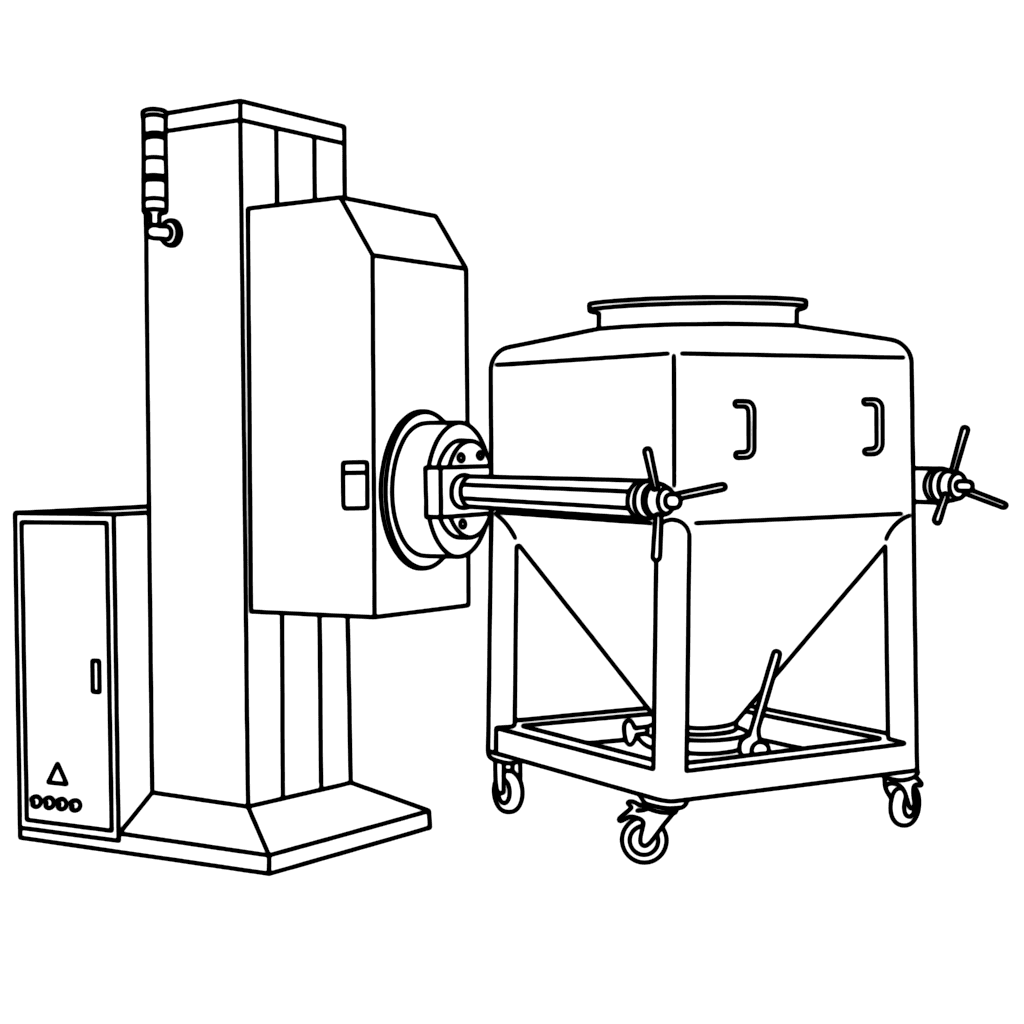 Bin blender
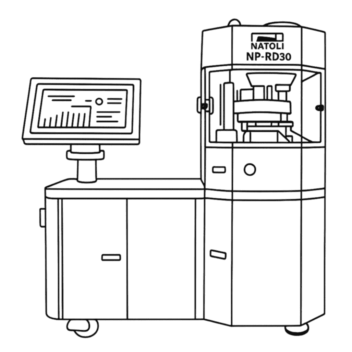
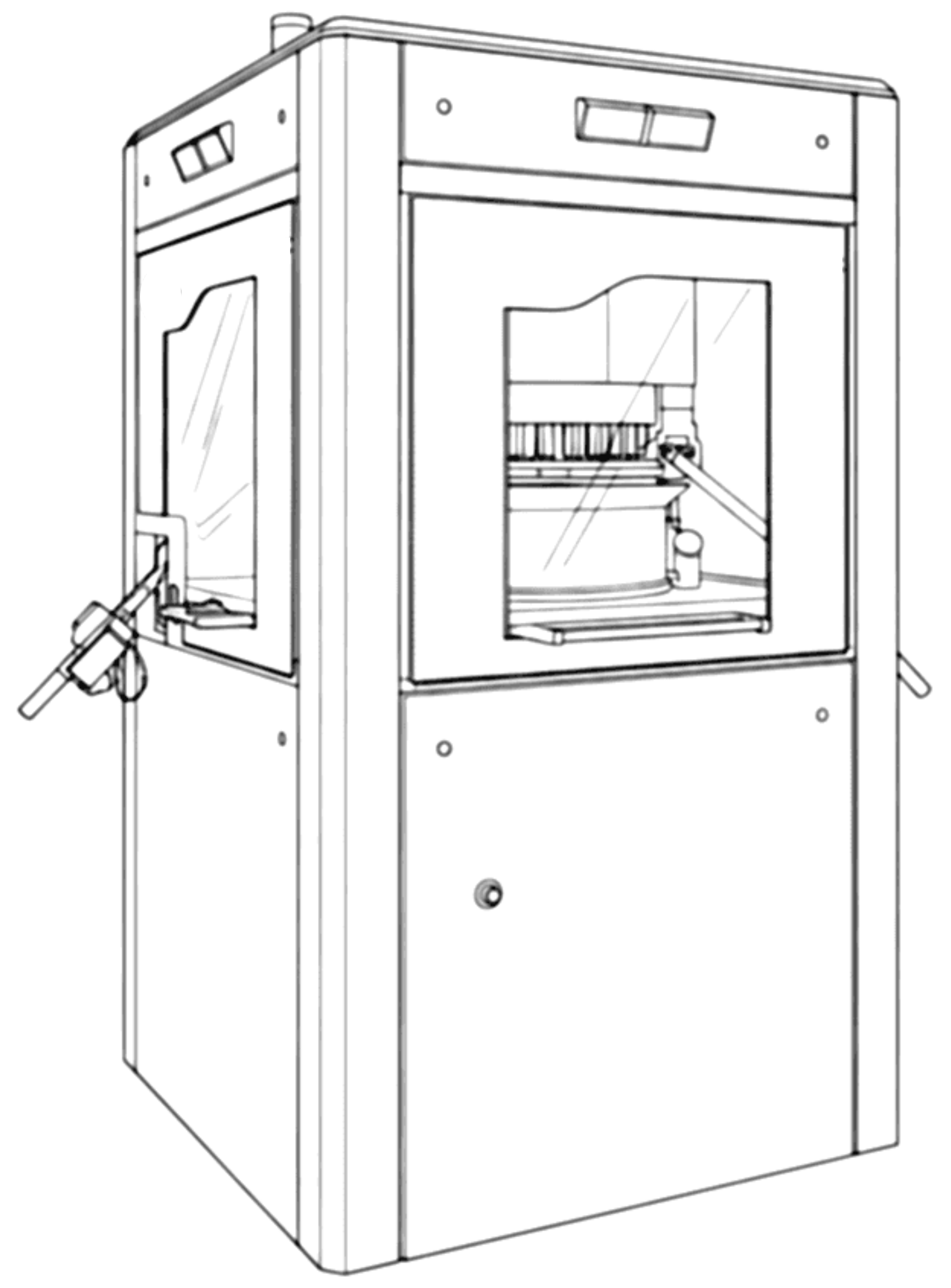 Tablet press
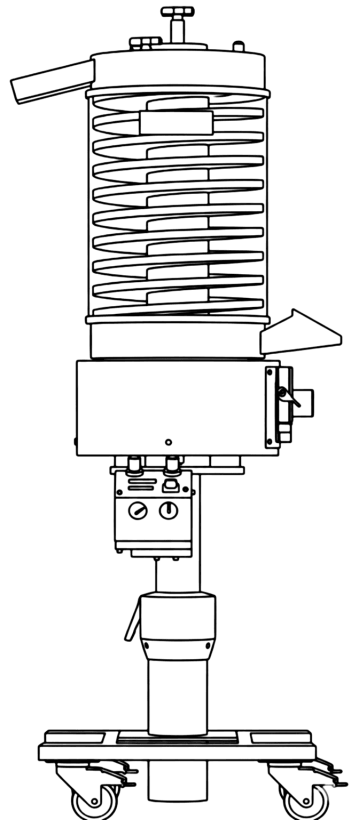 Tablet deduster
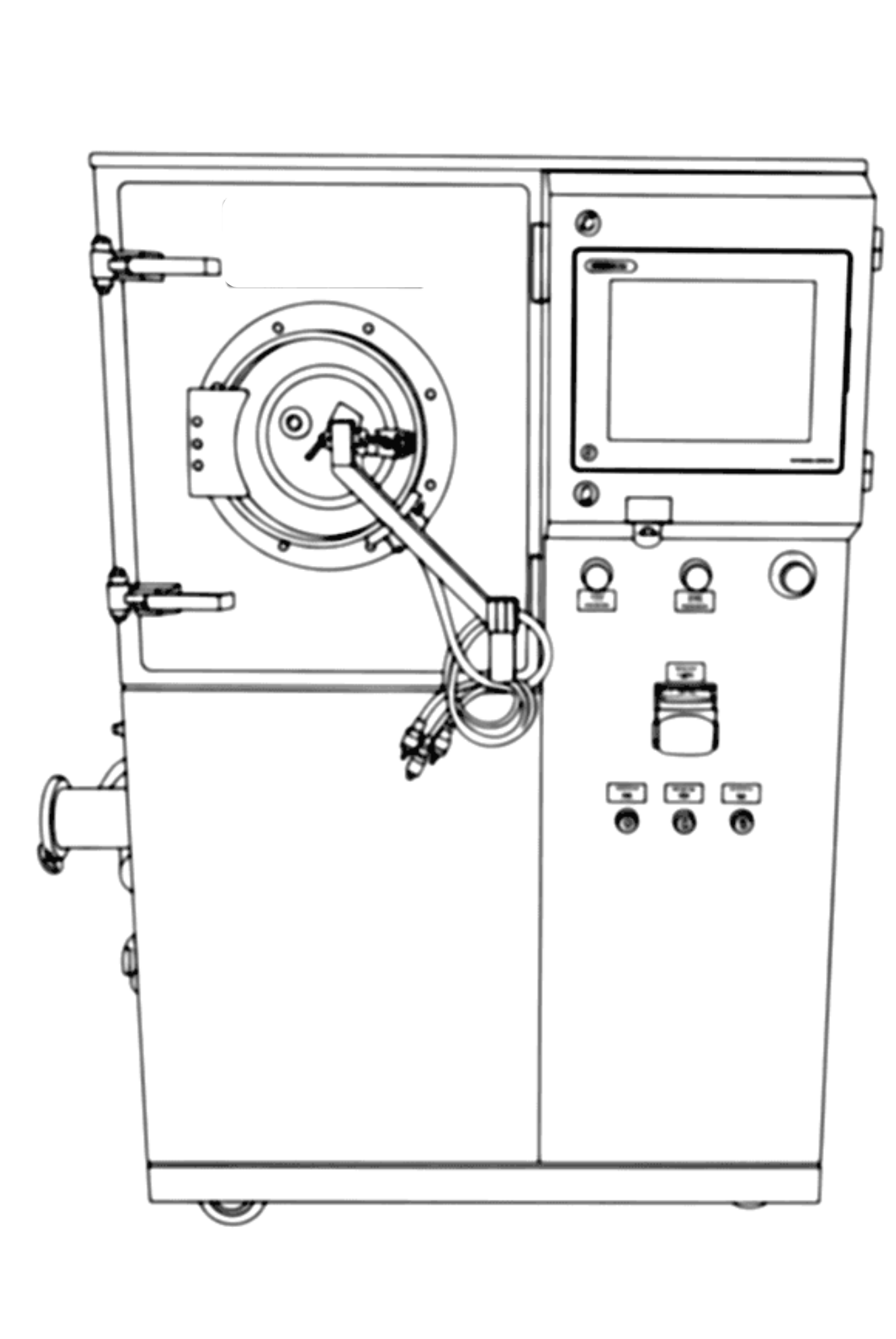 Film coater
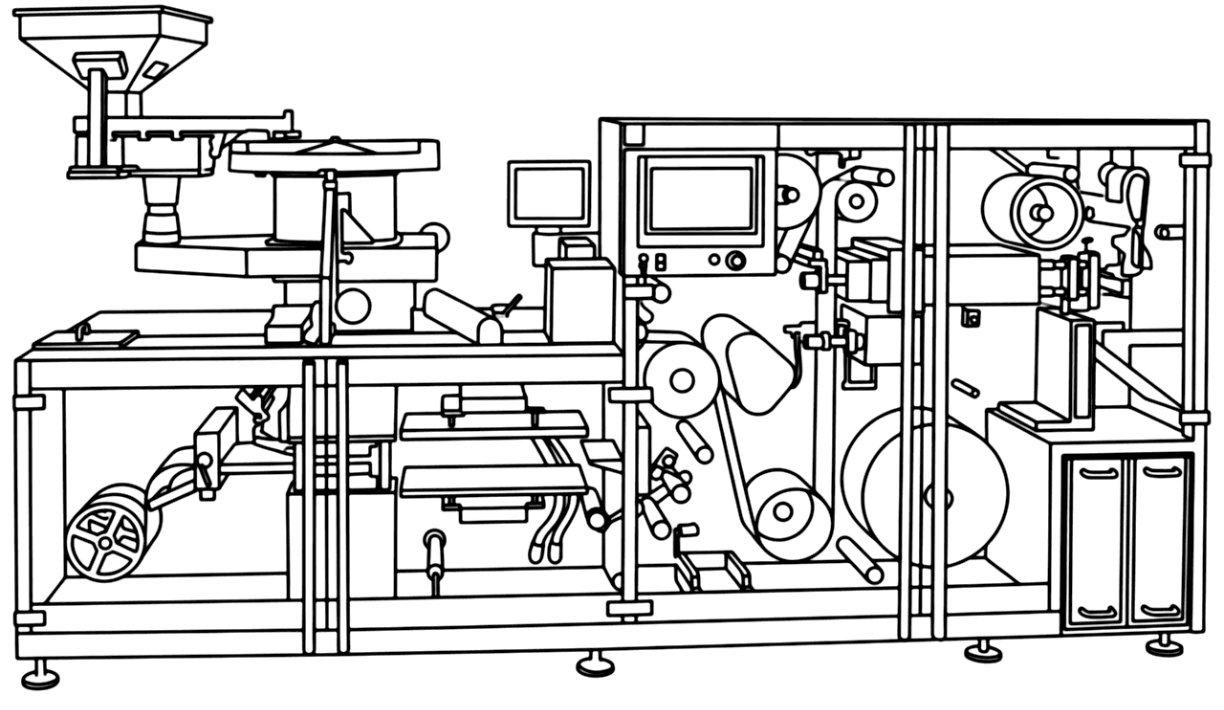 Blister packaging
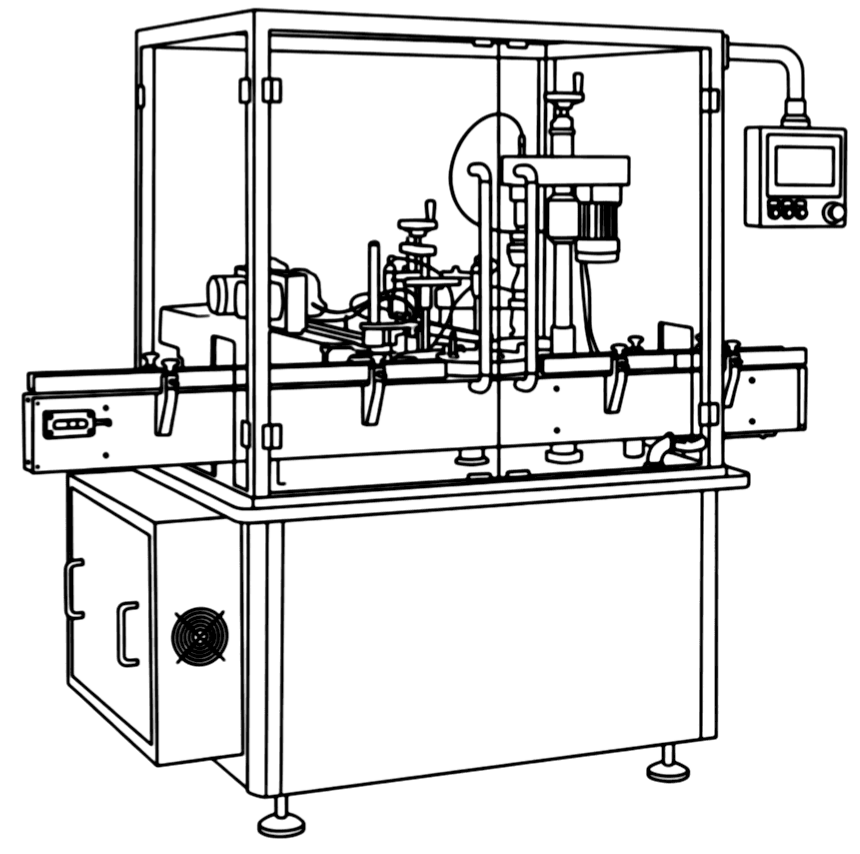 Bottle packaging
Photo to drawing
Equipment we don't have yet? Take a picture of it.
Photograph your machine with your phone and upload it. In a few seconds it comes back as a black-and-white engineering line drawing in the same style as the library, saved to your own equipment list and ready to snap into a flow.
- 1Snap a photo of the equipment — any angle that shows its shape.
- 2Upload it from My Items and give the card a name.
- 3Drop the new drawing into your process flow like any other.
 line drawing